> ## Documentation Index
> Fetch the complete documentation index at: https://docs.magna.so/llms.txt
> Use this file to discover all available pages before exploring further.
# Step 1C: How To Add Admin Wallet(s)
> This wallet controls the vesting contract. It is used to create and cancel on-chain allocations, so you will need to have the tokens deposited into it in order to fund the tokens to your stakeholders.
For this step, you will need to have an admin wallet that will be used to sign the vesting contract transactions. [**See demo video within this link.**](https://www.loom.com/share/16366b184c314f48886dc8964c5e1324?t=56\&sid=b8703169-cb69-4204-9bc1-11faf1656d11)
1. Go to Settings page
2. Click on Wallets tab
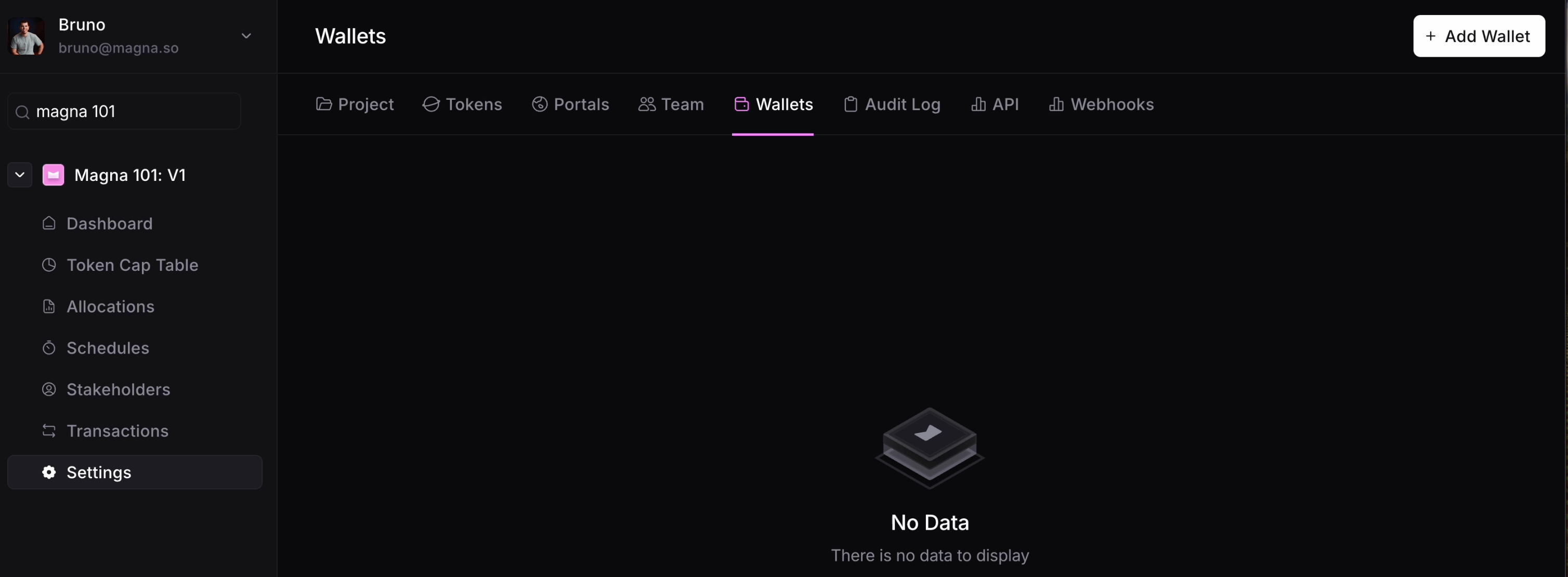 3. Click "Add Wallet" on the upper right side
4. Add the wallet address, select the chain, and check the box if it is a multisig wallet (Safe, Squads)
3. Click "Add Wallet" on the upper right side
4. Add the wallet address, select the chain, and check the box if it is a multisig wallet (Safe, Squads)
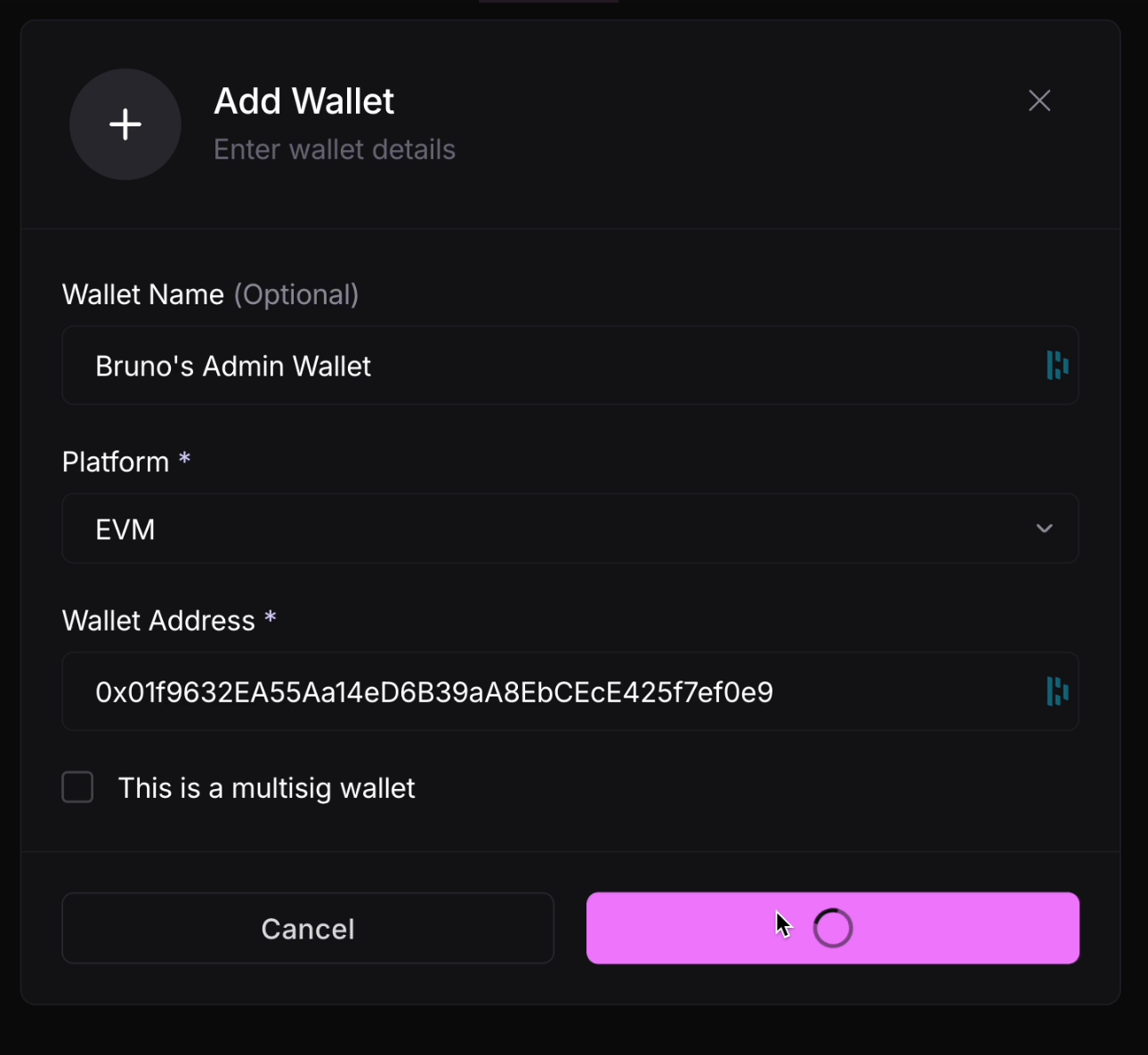 5. Click "Add Wallet" to finalize