

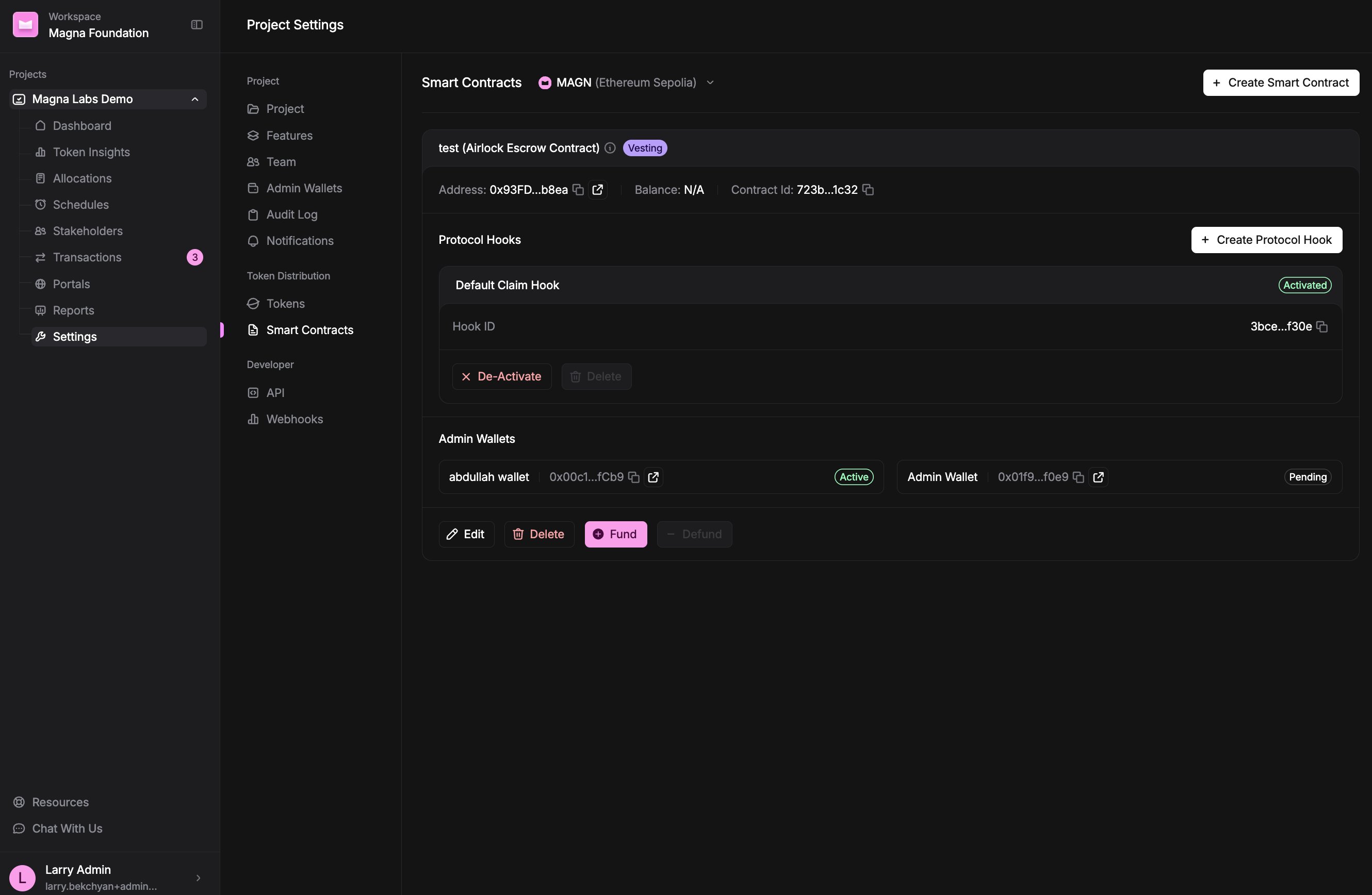
The Smart Contracts page, showing a deployed Claim contract for the selected token.
You need a token before you can view or create smart contracts. If you haven’t added one yet, set it up first in token settings. Smart contracts can’t be created for native tokens.
What’s in this section
- Contract types — the difference between Claim and Direct Transfer contracts, and how to pick the right one.
- How to add and deploy a contract — create a contract and put it on-chain with your admin wallet.
- How to edit a contract — what you can change once a contract is deployed.
- How to fund a contract — deposit tokens directly into a Claim (escrow) contract.
- How to defund a contract — withdraw tokens from a Claim (escrow) contract.